Automatic posting
Sales, invoices, credit notes, purchases and shift closes post journal entries for you.

Accounting
Every sale, refund, purchase and stock movement posts to a proper double-entry ledger, so the month-end reports are ready when you are.
Accounting
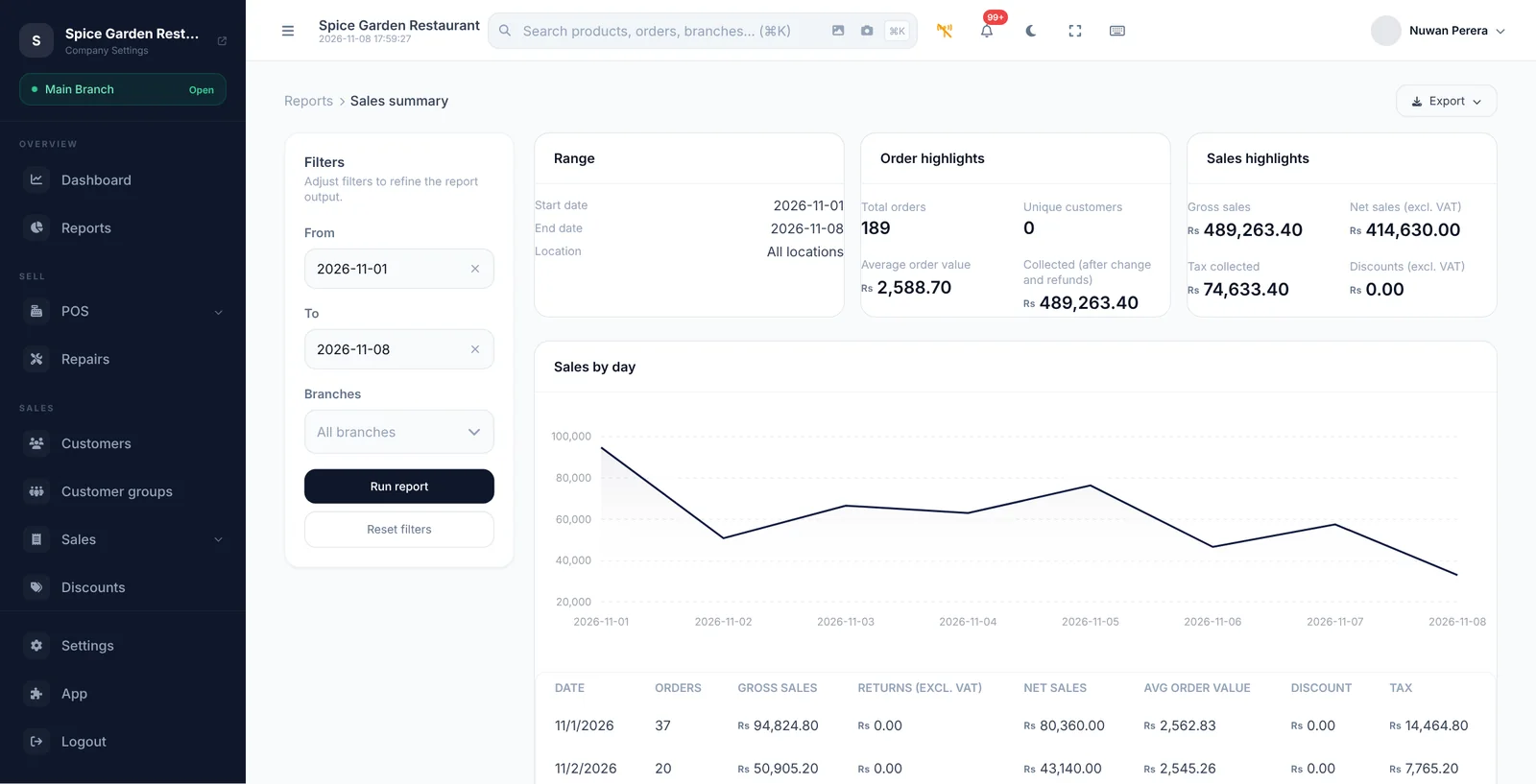
Sales, purchases and stock post automatically to a double-entry ledger: chart of accounts, journals, bank reconciliation, P&L, balance sheet and aging.
Sales, invoices, credit notes, purchases and shift closes post journal entries for you.
Start from a ready-made chart of accounts and adjust it to your business.
Post manual journals, reverse them, and lock closed periods against changes.
Match your bank statement against the ledger and finalise each reconciliation.
Trial balance, profit and loss, balance sheet, cash flow and general ledger.
See who owes you and whom you owe with aging reports.
A FEW THINGS YOU MIGHT ASK
Take a closer look before you bring ZeylonPOS into your day.
Many small businesses run their books directly in ZeylonPOS. If you work with an accountant, they can use the same reports and the general ledger.
Accounting is a module. The pricing page shows which plans include it.
YOUR NEXT GREAT BUSINESS DAY
Your counter is just the beginning. Let's grow from here.
14 days to find your flow.