Floors, tables and bills
Lay out your floors and tables, see which are occupied, split a bill between guests, or move an order to another table.

Restaurant & café POS
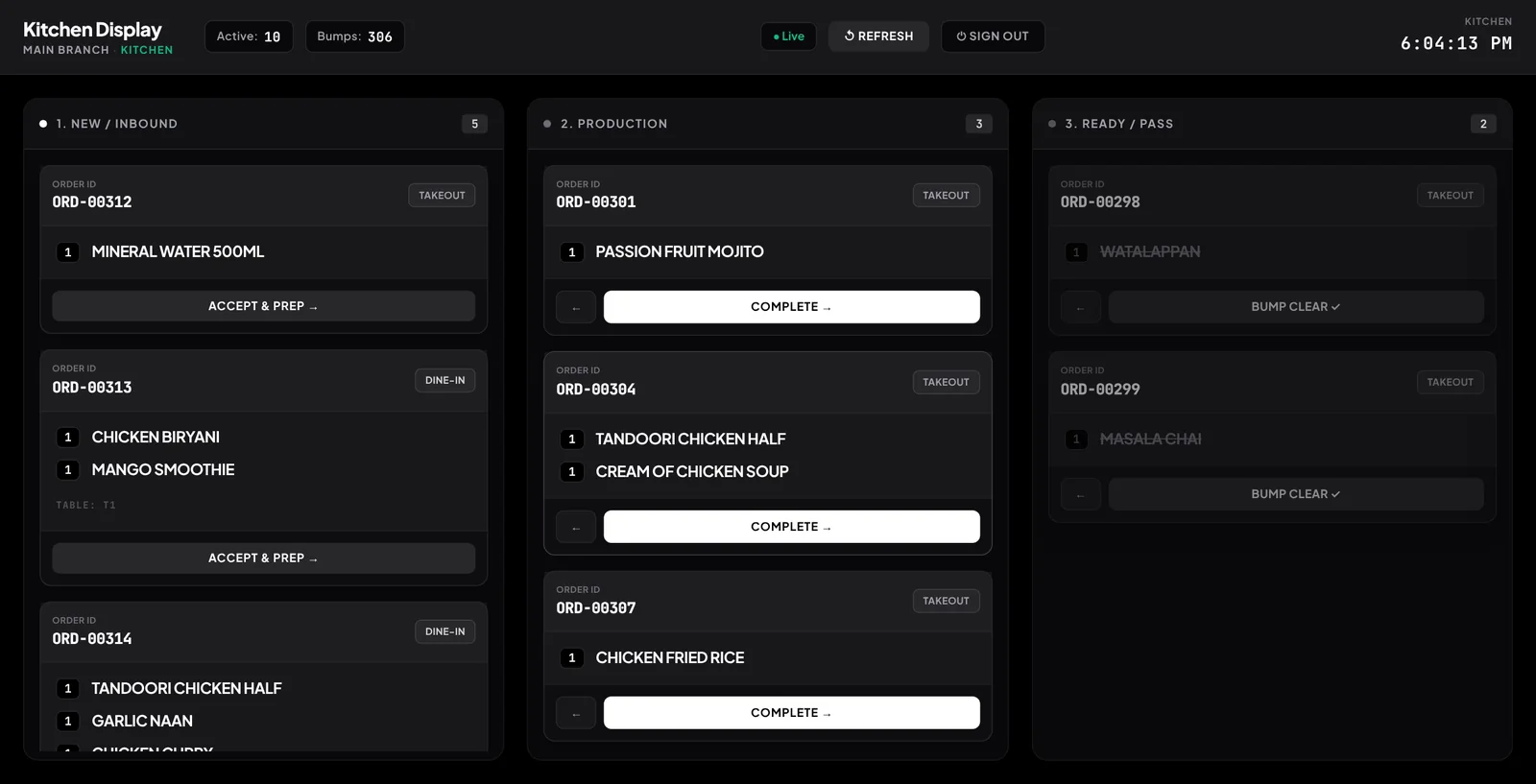
Take orders at the table or the counter, send them straight to the kitchen screen, and close the day knowing what was sold, what was used and what is left.
Restaurant & café POS
Restaurant and café POS with floor plans, split bills, modifiers, recipes that deduct stock and a kitchen display. Free trial, works on web and Android.
Lay out your floors and tables, see which are occupied, split a bill between guests, or move an order to another table.
Add-ons like extra cheese or no sugar are part of the order, and recipes deduct the ingredients from stock with every sale.
Orders arrive on a paired kitchen screen and move from queue to prep to ready, so the pass always knows what is next.
Each cashier opens and closes a shift; the closing count shows the expected cash and any difference.
Keep every order type in one register, with receipts printed through your normal printer.
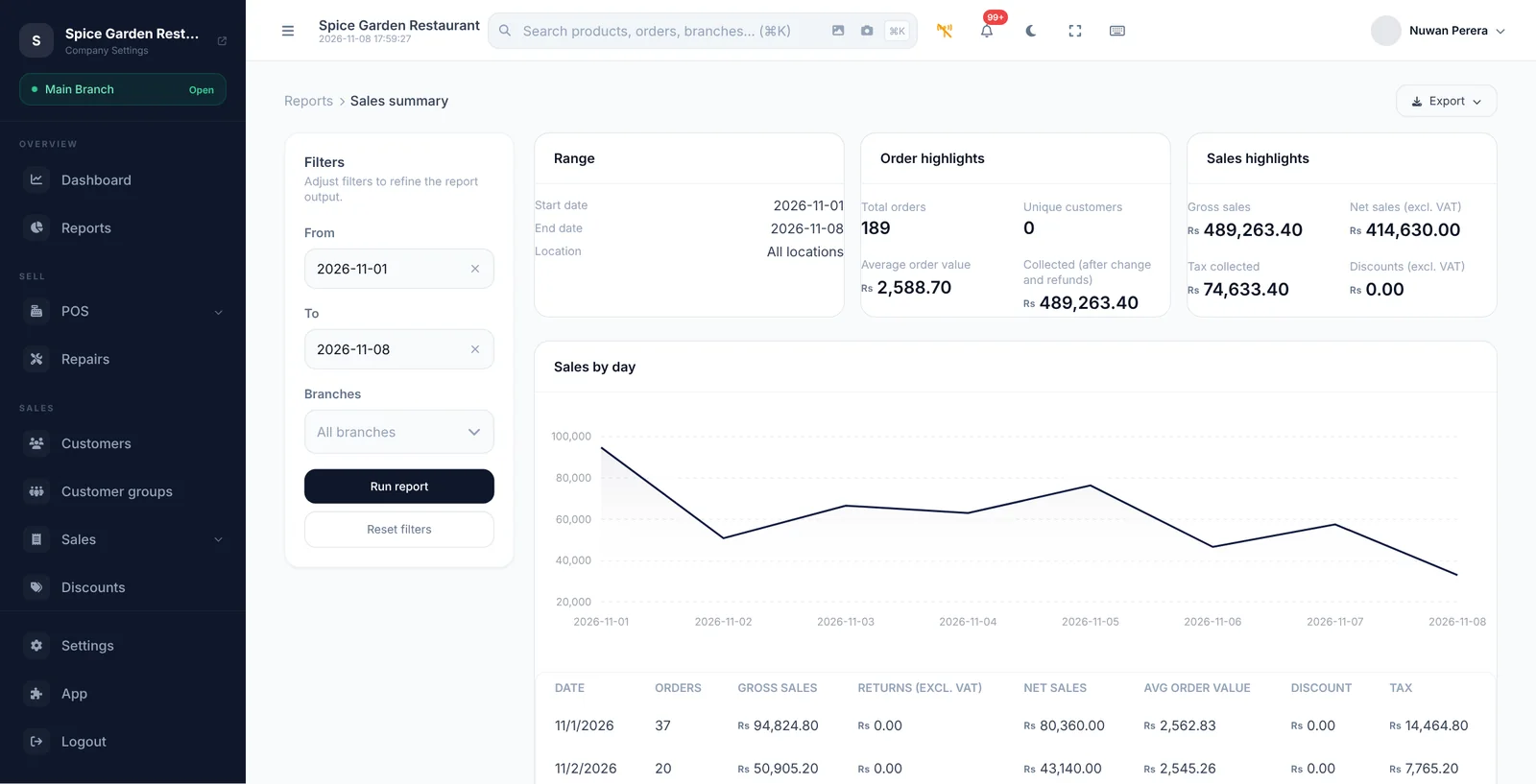
Sales by item, category, payment method and staff, ready the moment a sale closes.
Restaurants
Bring restaurant operations into a smoother workflow.
A FEW THINGS YOU MIGHT ASK
Take a closer look before you bring ZeylonPOS into your day.
Yes. A tablet or screen in the kitchen pairs with your store once and then shows incoming orders in real time. Staff move each ticket from queue to prep to ready and bump it when it is served. The kitchen display is a module you enable for your store.
Yes. Open and held orders can be split into separate bills, and an order can be transferred to another table.
Yes. When a menu item has a recipe, selling it deducts each ingredient from stock, so your inventory follows what the kitchen actually uses.
YOUR NEXT GREAT BUSINESS DAY
Your counter is just the beginning. Let's grow from here.
14 days to find your flow.